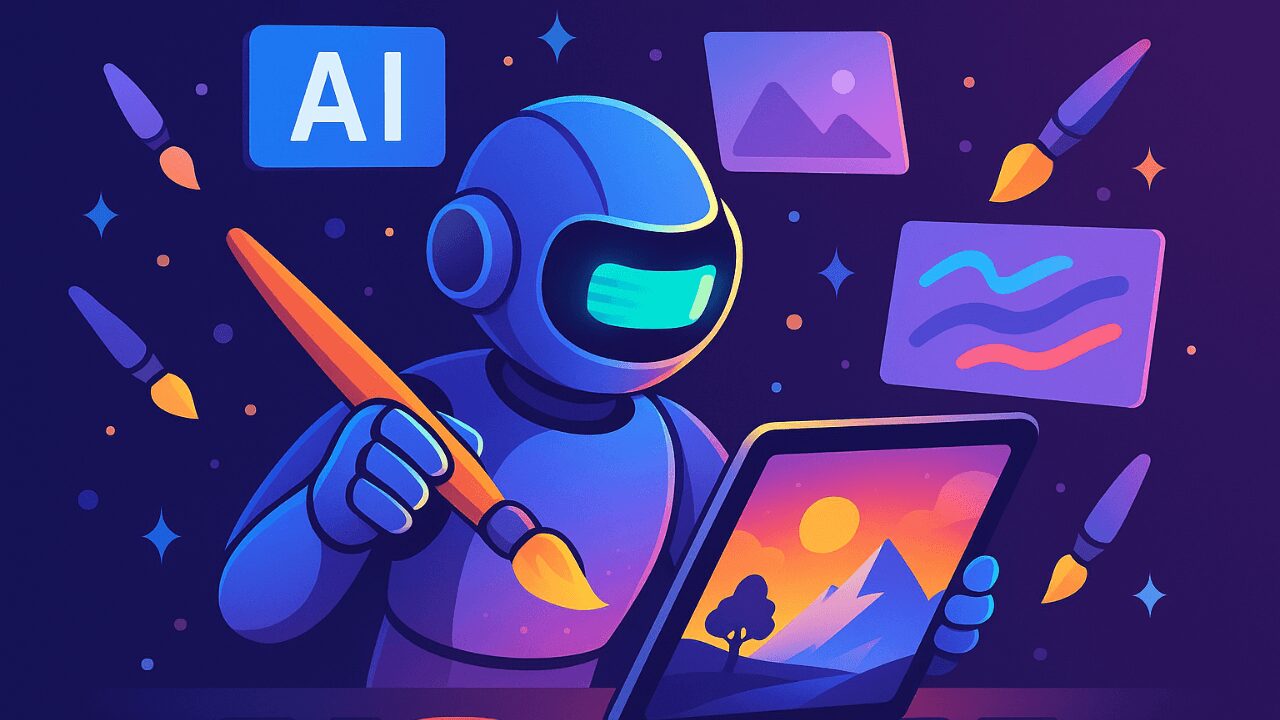
Creating images with artificial intelligence has never been easier. Whether you’re a content creator, designer, or just curious, tools like DALL·E, Midjourney, and Leonardo AI allow anyone to create stunning visuals with just a few words.
In this post, you’ll learn how to generate AI art step by step, even if you’ve never opened Photoshop in your life.
Content
What Are AI-Generated Images?
AI-generated images are digital visuals created by algorithms that turn text prompts into artwork. You describe it, the AI draws it.
Popular tools include:
-
DALL·E (by OpenAI)
-
Midjourney (via Discord)
-
Playground AI
-
Leonardo AI
-
Adobe Firefly
-
Craiyon
Step-by-Step Guide to Creating AI Images
1. Choose your AI platform
Start with one of these free or freemium tools:
2. Write a compelling prompt
The magic is in the description. Include:
-
Subject
-
Visual details
-
Style
-
Mood or lighting
Example: “Cyberpunk city skyline at sunset, ultra detailed, neon reflections, futuristic vibe”
3. Adjust styles and settings
Depending on the platform, you can adjust:
-
Model type
-
Aspect ratio
-
Prompt strength
-
Style (photo, cartoon, sketch)
4. Generate, tweak, and upscale
-
Review the results
-
Regenerate with improved prompts
-
Apply high-res upscaling
-
Download or use variations
Best Use Cases for AI Art
-
Social media content
-
YouTube thumbnails
-
eBook covers
-
Design drafts or concepts
-
Moodboards
-
Personal portfolios
Copyright & Commercial Use Tips
Always check licensing before using AI art commercially. Platforms like:
-
DALL·E
-
Adobe Firefly
-
Playground AI
are safer for business use (depending on their current terms).
Final Thoughts: AI Enhances Creativity, Not Replaces It
AI image generation is a creative ally — not a replacement. It allows you to ideate faster, explore new styles, and expand your design workflow.